An alarm bell panel-signaling request begins with the event that must be announced, not with a product photograph. State the signal trigger, intended audible indication, control supply, mounting context, and drawing revision first; selected-product documentation can then be compared with a clear panel requirement.
Part 1. Define the signal event before choosing a bell
Before a bell is quoted, the panel team should describe the event it is expected to announce. The control drawing should identify the trigger, the recipients of the indication, the control circuit, and whether the bell is a local alert or part of a wider documented arrangement.
That description is more valuable than a short BOM label. It allows a buyer to ask a supplier for a device record against a known control requirement instead of relying on a housing shape, a product image, or an assumed function.
Part 2. Keep audible indication separate from control functions
When the design calls for audible indication, the bell is the notification element in that documented function. Switching, feedback, protective action, and safety duties still need their own documented devices and circuit logic.
The distinction keeps an RFQ from asking a notification device to absorb undocumented duties. Use the selected product documentation and the project control design together when a panel is being reviewed.
Importante: An audible alarm indication does not, by itself, create a safety interlock or confirm that a panel meets a local emergency-system requirement. Keep the control function and selected-device record visible in the review. (IEC publication catalogue — document-selection context)
Part 3. Compare the evidence behind a panel bell request
The review becomes clearer when every proposed option is checked against the same evidence. This table frames a supplier discussion; it does not prescribe a wiring method or a complete alarm architecture.
| Review input | What the buyer should identify | What the supplier should return |
|---|---|---|
| Signal event | The event or condition shown on the control drawing | Proposed product identification against that purpose |
| Control supply | Stated supply field for the selected circuit | Published selected-device supply information |
| Mounting context | Panel location and available device arrangement | Installation information and stated limits |
| Drawing revision | Record used to define the control interface | Confirmation that the current record was reviewed |
| Required documents | Evidence needed for a technical comparison | Product record and requested documentation |
This comparison makes uncertainty visible early. A supplier can then identify what is published for the proposed device, while the panel team keeps responsibility for the signal logic and project requirements.
Part 4. Link the control supply to the drawing record
The control supply should appear beside the signal event in the RFQ, along with the drawing revision and the required mounting information. If a project asks for a specific operating condition, state it as a requirement to be reviewed rather than assuming it from a general product family.
| Evidence to provide | Why it matters to the RFQ | Response to compare |
|---|---|---|
| Current control drawing | Shows the trigger and control interface | Proposed product referenced to the drawing |
| Stated control supply | Defines a selected-device review field | Published supply information for the model |
| Audible indication purpose | Keeps the requested role clear | Product record aligned to the stated purpose |
| Mounting and panel context | Identifies installation questions | Stated installation information |
| Pedido de documentação | Creates a traceable quote review | Requested product records |
For visual indication decisions, see the related DIN-rail indicator-light selection guide. A signal switch accessory is a different question, addressed in the shunt trip versus alarm switch RFQ article.
Part 5. Turn the signal brief into a comparable RFQ
A quotation request should allow several supplier responses to be compared without guessing what the panel needs. Ask for the proposed model, the product record, and the evidence relevant to the stated event and supply. Record the quantity and any documentation format needed for the buying process.
| Include with the RFQ | What it resolves | Supplier response to ask for |
|---|---|---|
| Signal event and control drawing | Purpose and control-interface context | Proposed model identified against the request |
| Stated supply and panel context | Fields requiring selected-device review | Published product documentation |
| Mounting arrangement | Panel integration questions | Stated installation information |
| Quantity and documentation format | Commercial and technical return requirements | Product identification and requested records |
| Review owner | Clarifies who will compare the response | A traceable supplier reply |
Utilize o terminal electrical appliances range for product-family context. The AC contactor control-wiring article is helpful when the panel record needs a clearer control-path discussion.
Part 6. Review the CHAC alarm-bell page with the request
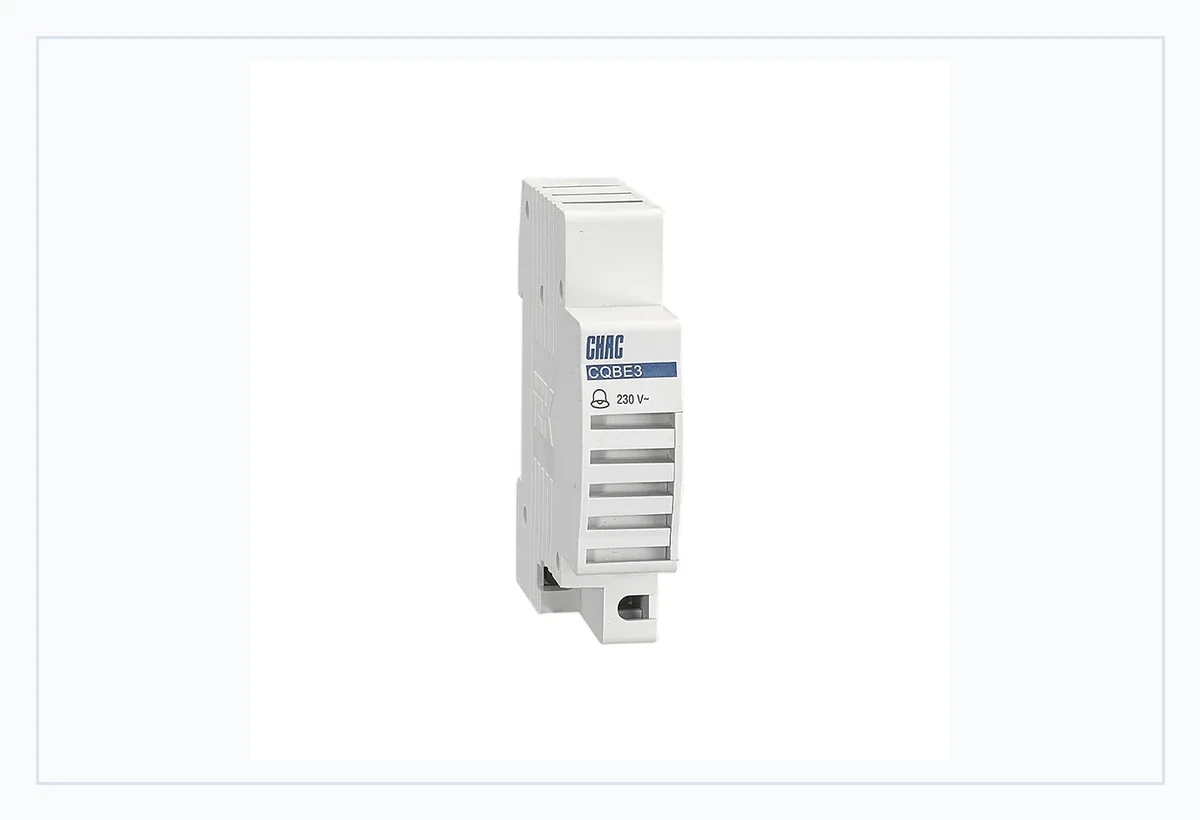
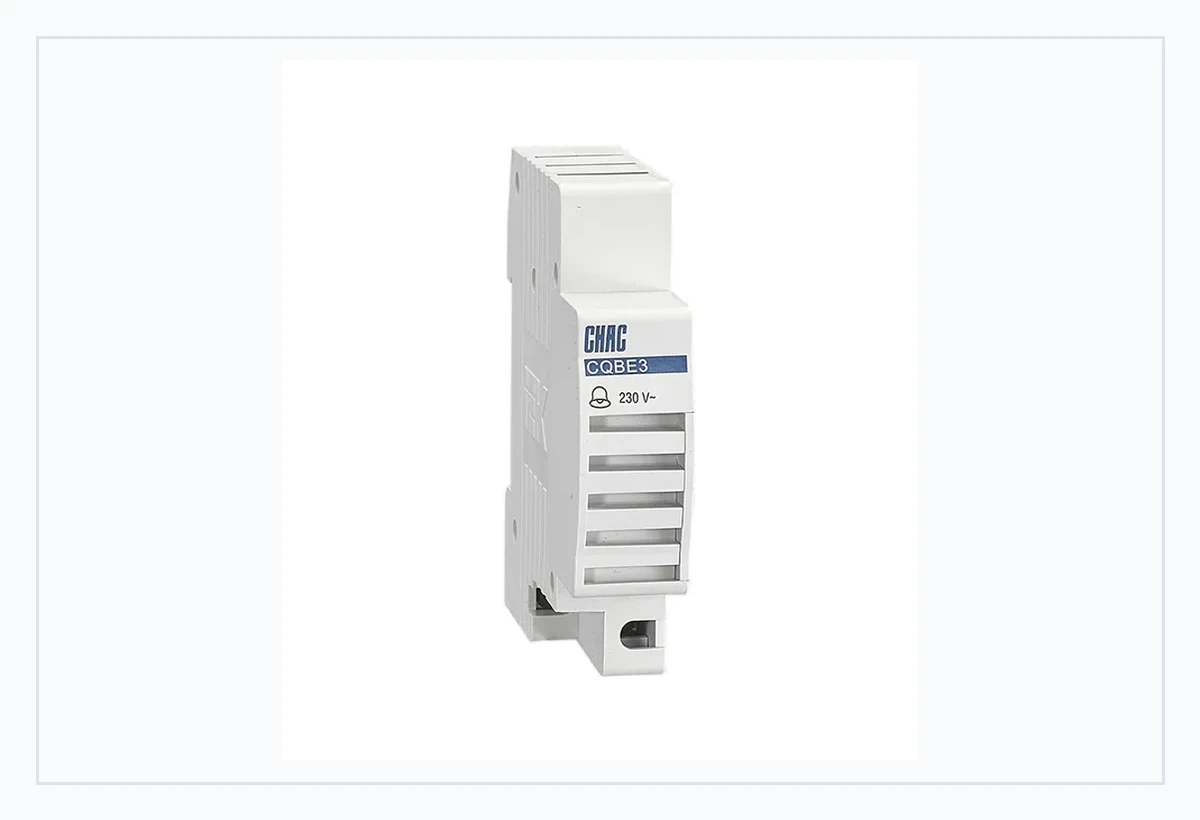
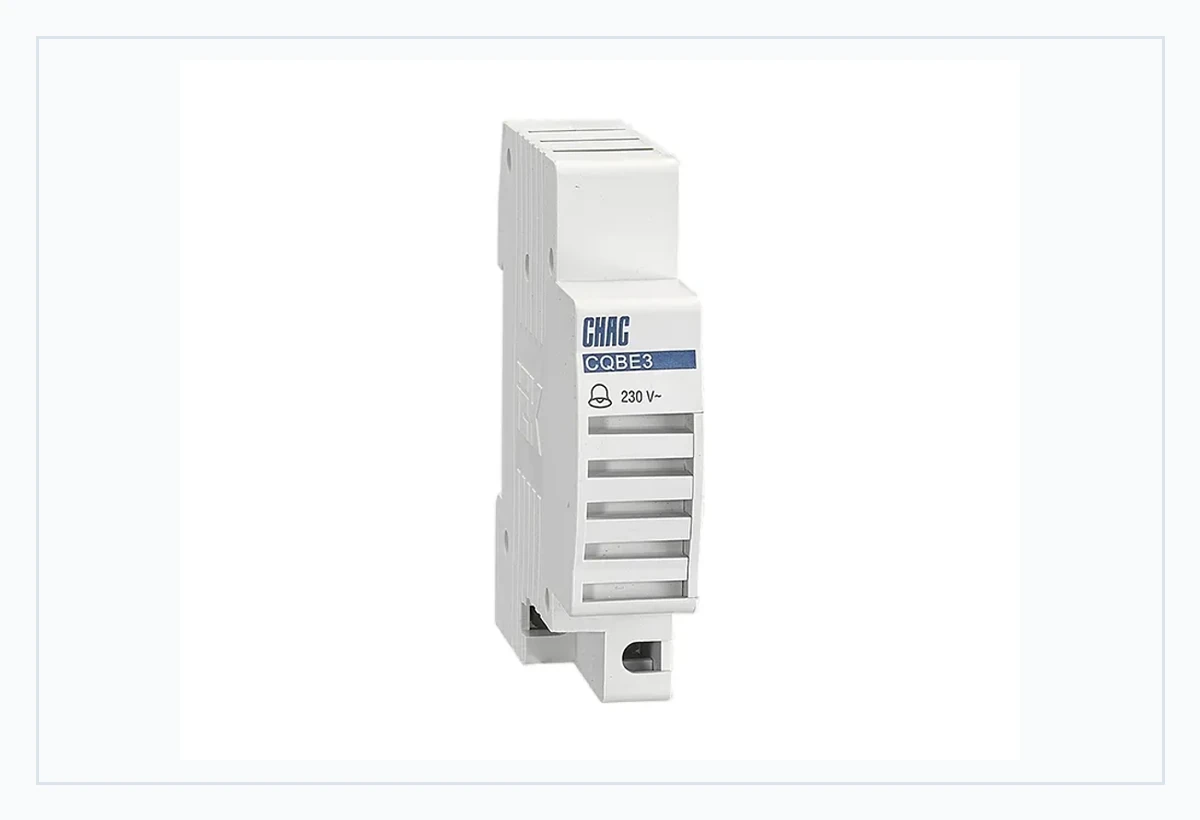
O CQBE3 modular alarm bell page publicly describes a 230V AC, 50Hz bell for audible alarm signaling. Treat those published fields as a starting point for selected-product review after the RFQ identifies the event, supply, and panel context; they do not establish a complete alarm-system function.
Recomendação de produto
Review this CQBE3 page when the RFQ already defines the audible indication and control-supply field to be checked. Do not substitute a switch accessory or a visual indicator based on appearance: neither confirms the intended audible role or the selected-device record. Requests that include branding or documentation needs can be directed to the página de personalização de terminais elétricos.
Part 7. Keep audible signaling inside its fit boundary
This article supports early panel documentation and a more comparable supplier conversation. It is not a safety-interlock design, an emergency-system design, a field-wiring procedure, a sound-level validation, or a local approval statement.
Fit Boundary: retain the final design with the approved control drawing, selected-device documentation, applicable project requirements, and qualified engineering review. Send the signal brief and requested records to CHAC Elétrico when requesting a product discussion.
FAQs
What is an alarm bell used for in an electrical panel?
It provides an audible indication for an event defined by the control design. The drawing and selected-device documentation should state the intended role.
What voltage should an alarm bell use?
Review the stated control supply on the panel record and the selected-model documentation. Do not infer the supply field from a product image or a familiar enclosure.
Is an alarm bell the same as an alarm switch?
No. A bell provides audible indication, while a switch accessory has a different control or signal role that must be defined in the circuit documentation.
Can a panel alarm bell be selected from a product image?
No. The signal event, supply, mounting context, drawing revision, and selected-product records need review before a device is compared.
What should be included in an alarm bell RFQ?
Include the signal event, current control drawing, stated supply, mounting context, quantity, required documentation, and the person responsible for technical review.
Does an audible indicator provide a safety interlock?
No. An audible indication does not create an interlock or verify a safety function without the separate design and evidence required for that function.