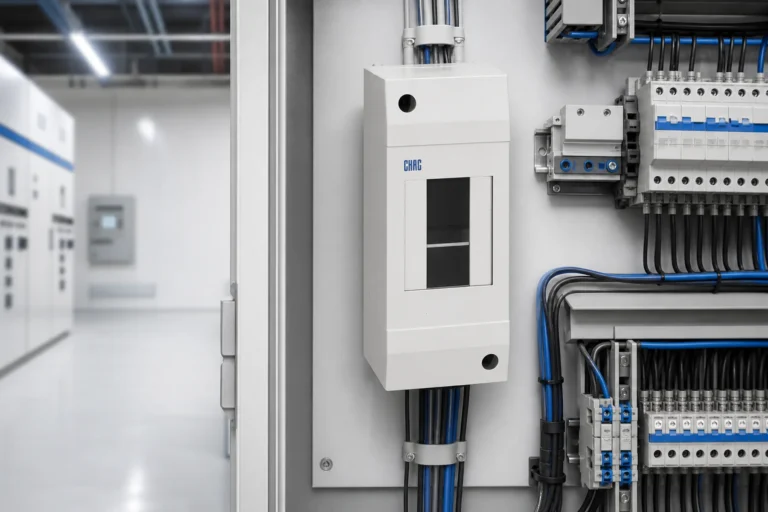
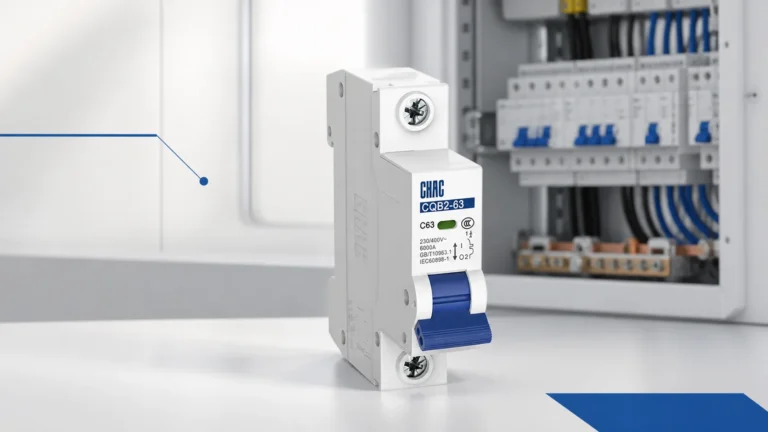
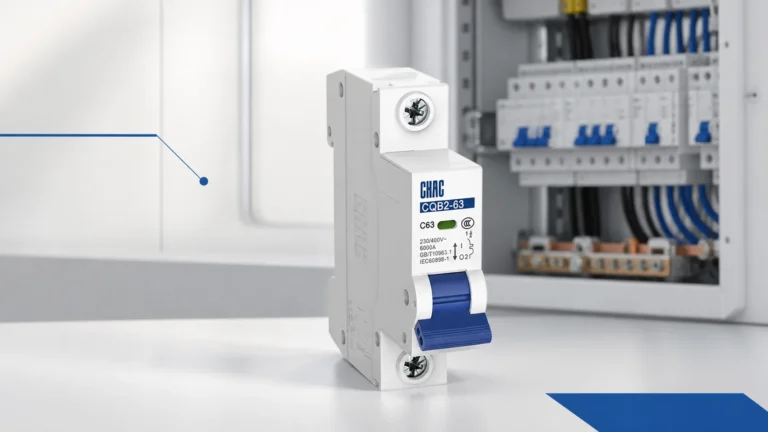
A remote breaker-opening command and a fault-alarm signal are different panel functions, so they need different RFQ language. Start by naming the action or event the control design needs, then ask the supplier to return selected-device documentation for the proposed accessory.
Part 1. Name the required command or event signal
Shunt trip versus alarm switch is not a choice between two labels. One request begins with an action: the control design needs a remote opening command. The other begins with an event: the design needs a defined alarm or indication signal. Put that distinction in the drawing and RFQ before a product name is discussed.
This early step prevents a supplier from guessing whether the panel needs a command input, a reported event, or a combination that must be supported by separately documented accessory functions.
Part 2. Keep remote opening and alarm indication separate
A shunt-trip discussion asks how the selected accessory receives the remote action required by the control design. An alarm-switch discussion asks what event must be indicated and how that signal interfaces with the panel. The selected breaker and accessory documents must establish the final arrangement.
The IEC document system and manufacturer material are useful places to frame the selected-device check. They do not turn a generic accessory name into a compatibility approval for a breaker family or a panel.
مهم: An alarm indication should not be treated as proof that the panel has the required remote opening action. Document the required command and the required event signal separately. (IEC control-device publications — سياق مراجعة المستند المحدد)
Part 3. Compare the evidence for each accessory request
The comparison below organizes a supplier conversation. It does not decide which accessory is compatible with a particular breaker.
| سؤال مراجعة | Remote shunt-trip request | Alarm-switch request |
|---|---|---|
| Required function | State the required remote opening action | State the event or fault indication needed |
| واجهة التحكم | Identify the available control supply and drawing reference | Identify the receiving control circuit and signal expectation |
| Selected assembly | Name breaker family and accessory route for review | Name breaker family and accessory route for review |
| Terminal evidence | Request selected-model terminal documentation | Request selected-model terminal documentation |
| مرتجع مبيعات للمورد | Proposed model and documents supporting the command | Proposed model and documents supporting the event signal |
When both functions are needed, list them separately. The comparison prevents a single vague phrase such as “remote breaker signal” from hiding a distinct action and indication requirement.
Part 4. Connect the requested signal to the control drawing
Use the control drawing to show where the command originates, what event must be reported, and where the relevant terminals appear in the panel scope. Add the drawing revision so that the supplier reviews the same interface the panel team is building.
ذات الصلة MPCB auxiliary-contact signal guide offers a narrower status-signal perspective. For broader drawing-interface checks, review the AC contactor control wiring article.
Part 5. Build a breaker-accessory RFQ that can be reviewed
An accessory RFQ should identify the desired function before asking for a part number. Include the selected breaker family and the records that let a supplier return a checkable answer.
| أرسل مع طلب عرض الأسعار | لماذا هذا مهم | Evidence requested back |
|---|---|---|
| Current control drawing and revision | Establishes command, signal, and terminal context | Proposed accessory matched to the stated function |
| Required action or event definition | Separates remote opening from indication | Function statement in selected documentation |
| Breaker family and proposed assembly scope | Makes the compatibility question specific | Selected breaker-and-accessory identification |
| Control supply and terminal requirements | Identifies interface conditions to review | Terminal and interface documents |
| Enclosure and project context | Identifies conditions requiring confirmation | Stated limits and installation information |
ال terminal electrical appliances category provides the upward product-family context. Keep custom labeling or documentation requirements visible through the صفحة تخصيص التوصيلات الكهربائية.
Part 6. Start selected-accessory review with CHAC product routes
For a remote-opening requirement, the CQAM2 remote shunt-trip product route is a first-party discussion starting point. When the requirement is event indication, the CQAS2 alarm-switch product route provides a separate route. Each must still be reviewed against the breaker family and panel evidence.
توصية بالمنتج
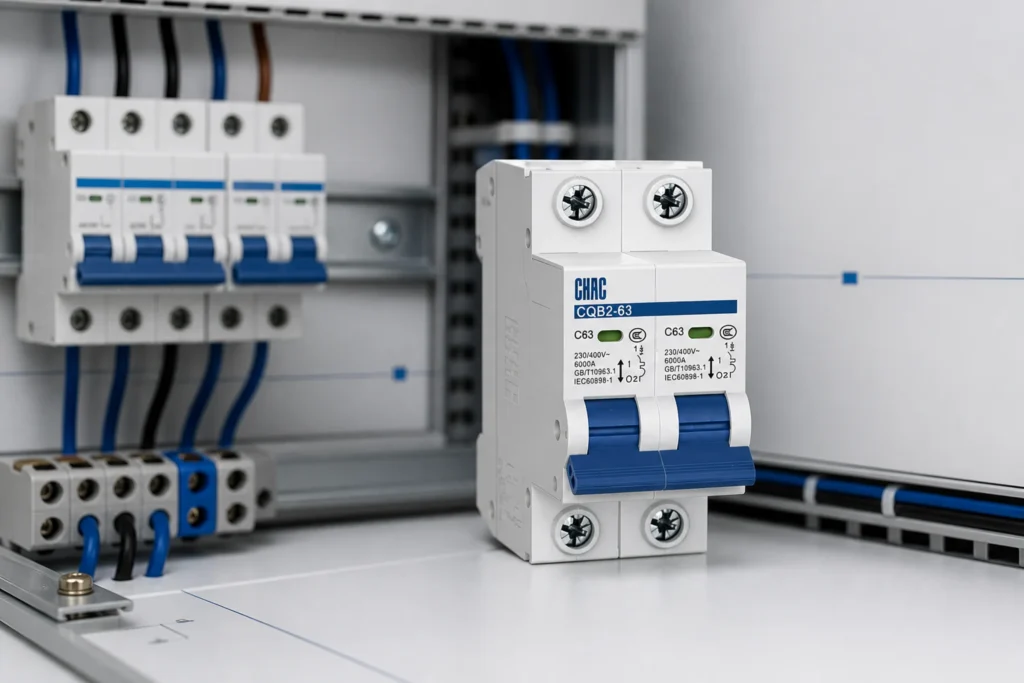
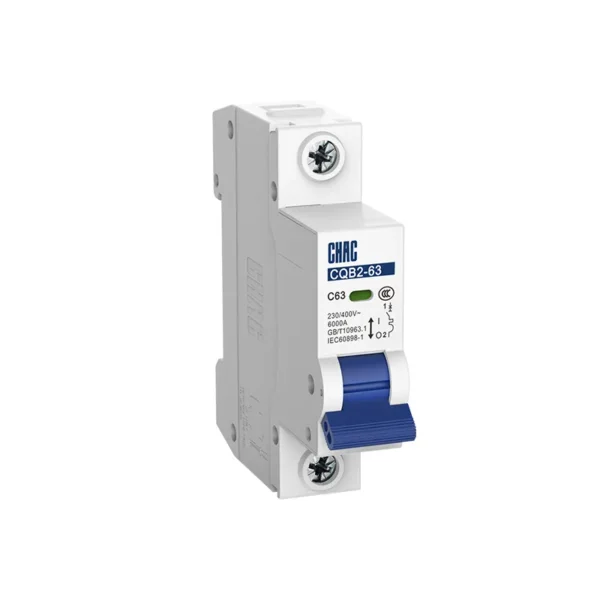
قاطع الدائرة المصغر CQB2-63 أنظمة الطاقة | سي إتش إيه سي إليكتريك
Use the CQAM2 route after the RFQ clearly states that remote opening is the required action. Do not replace that requirement with an alarm switch merely because both appear in a breaker-accessories conversation; a reported event does not establish a command function.
Part 7. Keep accessory selection within its fit boundary
This article is useful for early function scoping and accessory-document comparison. It is not a live-work procedure, a final panel control design, local approval advice, or a declaration that an accessory fits an unspecified breaker.
Fit Boundary: retain final selection with the approved drawing, selected breaker-and-accessory documents, applicable project requirements, and qualified engineering review. Send the function definition and drawing revision to شاك إلكتريك when requesting a documented product route.
الأسئلة المتكررة
What does a shunt trip do on a circuit breaker?
It is discussed when the panel needs a defined remote opening action. The selected breaker-and-accessory documents must confirm the actual arrangement.
What does an alarm switch report?
It is requested for a defined alarm or event indication in the control design. State the event and receiving interface in the RFQ.
Can an alarm switch open a breaker remotely?
Do not assume that it can. Remote opening and event indication should be specified as separate functions and confirmed in selected documentation.
Which voltage information belongs in the request?
Provide the available control supply and the selected interface requirements shown on the current drawing. The supplier can then return documentation for the proposed accessory.
How is accessory compatibility confirmed?
Identify the breaker family, proposed accessory, terminal requirements, and drawing context, then review the selected assembly documents rather than a generic catalog category.
What should be on a breaker accessory RFQ?
Include the control drawing revision, function definition, breaker family, control supply, terminal requirements, enclosure context, and the documentation expected with the quote.