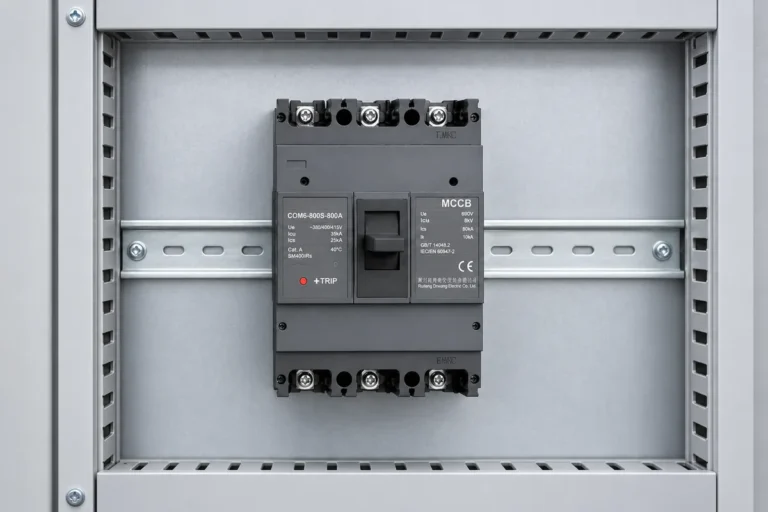
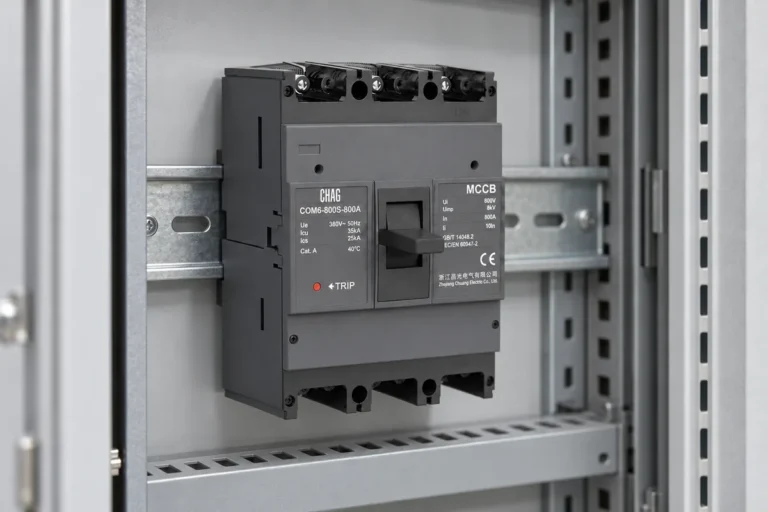
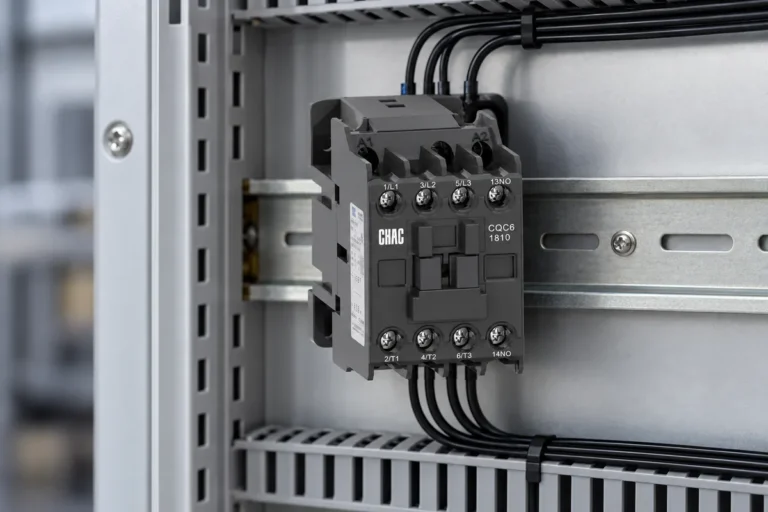
A smart WiFi circuit breaker integration review starts with the protective circuit and panel wiring, then confirms the communications, data and commissioning behavior for the exact device—not simply whether an app is available.
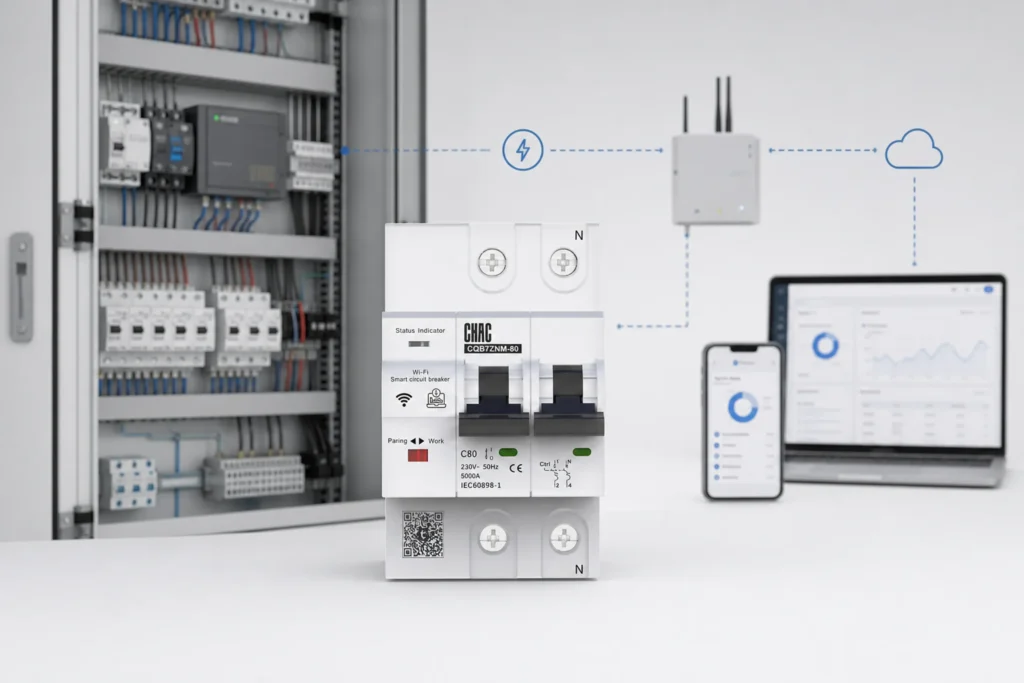
Part 1. Keep the protective-device role separate from the digital feature set
Define the circuit to be protected and controlled before selecting remote functions. Tuya’s developer documentation distinguishes the device’s management and connectivity functions; those features do not replace model-specific protective-device documentation.
Part 2. Confirm the panel and wiring interface
Record the panel layout, mounting arrangement, line/load orientation, neutral or auxiliary supply requirements where applicable, terminal access and space for wiring. Confirm every connection against the selected product documentation and the project diagram.
Part 3. Review the connectivity architecture
Specify the intended WiFi network, onboarding method, signal conditions at the installed panel, cloud or local-control requirement, user roles and failure behavior. A metal enclosure and site network can change the usable connection path, so evaluate them at the actual installation context.
Part 4. Define the data and control boundary
List the measurements, commands, alerts, retention needs and hand-off expectations. Tuya describes circuit-breaker implementations with communication modules and optional metering functions; treat any requested function as a requirement to be verified for the proposed model.
Part 5. Plan commissioning and support evidence
Request the wiring diagram, installation instructions, provisioning flow, reset behavior, firmware/support process and test record needed by the OEM program. Commissioning should test both the electrical function and the intended communications behavior without assuming an unavailable integration feature.
Part 6. Put OEM requirements into the RFQ
State the target market, panel format, electrical circuit role, connectivity expectations, data-function scope, documentation, branding and packaging requirements. Ask the supplier to identify what is supported by the selected configuration.
CHAC Electric smart circuit breakers category is the relevant product-family starting point after the RFQ is complete. Send the confirmed requirements through the customization route or contact CHAC Electric for the next review. Related reading provides adjacent context without replacing this article’s decision boundary.
Product recommendation
CQB7ZM WIFI Circuit Breaker Smart Circuit Breaker | CHAC Electric

Part 7. Choose the CHAC product-review route
Start with CHAC Electric’s smart circuit breaker category and send the completed panel checklist through the terminal-product customization route. Do not substitute a broad smart-panel architecture review for this device-integration decision.
FAQs
What comes first: panel design or app selection?
Start with the circuit, panel and wiring interface; then define the needed digital functions.
Does WiFi replace a protection review?
No. Communications functions do not replace verification of the selected protective device and installation.
What should be checked inside the installed panel?
Check mounting, wiring access, power requirements, signal conditions and the actual network architecture.
What data functions should be named in the RFQ?
Name the required measurements, commands, alerts, retention and system hand-off expectations.
Can a category page guarantee integration compatibility?
No. The RFQ and selected-model documentation must establish the supported configuration.
What is outside this checklist?
It is not a cybersecurity certification, final wiring instruction or a substitute for the selected product manual.